Your first web CRUD application
My main recommendation when using OpenCode is to run it inside a Docker container as a sandbox, until the stable version of Docker Sandboxes arrives, which will have better support for AI coding agents.
First, install Docker Desktop from this link.
Then, from the terminal, run the following command to start Docker:
docker desktop start
Pull the official OpenCode image from DockerHub (source).
docker pull ghcr.io/anomalyco/opencode
List the downloaded images.
docker image list 
Copy the ID. Now create a container named opencode with port 8080 exposed so you can reach the web app from the host later.
docker create --name opencode -p 8080:8080 [ID]Start the container named opencode.
docker start opencodeNow enter the container and execute the shell.
docker exec -it opencode /bin/shNow that you are in the shell, run:
cd /home
mkdir taskadmin
cd taskadmin
opencode
Now, in OpenCode, run this prompt so the LLM knows where it is working and how to install packages.
Initialize agents.md with the current operating system and the available package manager
Now let OpenCode install git.
Initialize git with main
For beginners, it is better to check every command that the Agent wants to execute.
Set opencode to ask me every time you want to run a command. Search at opencode.ai/docs
Restart OpenCode to read the settings.
Let’s continue with the setup installing the GitHub CLI so the Agent can interact with GitHub.
Install github cli
Exit OpenCode and run the following command in the terminal. Log in with the browser — it’s the fastest way.
gh auth loginOnce you are logged in, you can return to OpenCode.
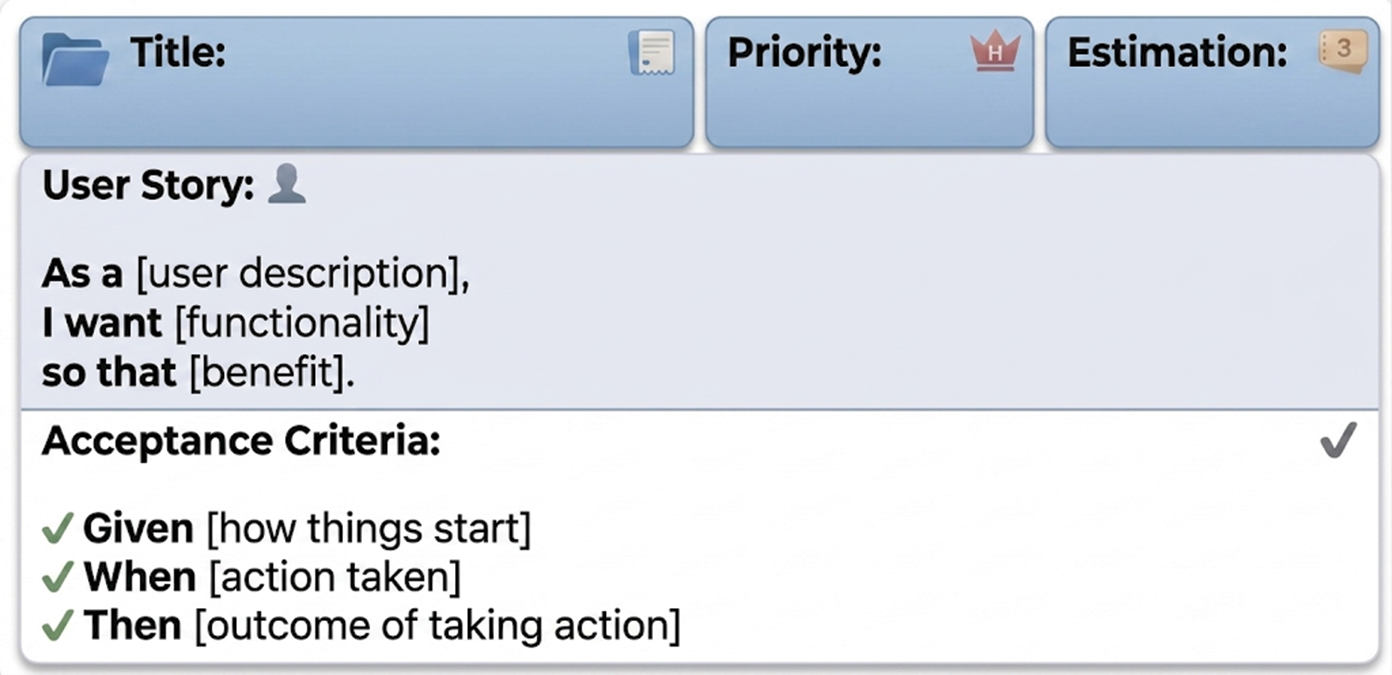
In software development (especially within Agile methodologies such as Scrum or Kanban), a User Story is a clear, concise, and simplified explanation of a system functionality, written from the perspective of the end user or customer.
A user story does not seek to say how something is going to be programmed, but what needs to be achieved and why.
So we are going to tell OpenCode to write one for our app.
Create a branch. Write a complete .feature file in Gherkin syntax for a Task Management CRUD application. Include the user story header and individual scenarios for creating, viewing, updating, and deleting tasks. Save it in specs/start/taskadmin.feature
It is important to save the User Story in a file for future tasks like updating the functionality or creating tests from it. It should look similar to:

Now we need to tell the Agent the Technical Specification of the web app. We are going to create a simple one, so:
Using @taskadmin.feature, generate the technical specification and save it in/specs/start/spec.md. Create a simple web with vanilla JS, HTML, CSS and local storage
Review what the Agent did, and if you agree, go ahead with the implementation.
Implement
You will have something similar to this:

Now lets serve the web.
Serve the web to the windows host since we are inside a docker container using darkhttpd
It is a good practice to keep agents.md updated with important changes in the app.
setup darkhttpd for this project and update agents.md
Now lets commit.
Commit and merge
Now let’s serve the web to the host.
Serve the application in the background to the host
From the host, open the browser at http://localhost:8080. It should be similar to:

Now the final steps. Let’s use GitHub Pages to publish the app.
Create a repository on GitHub
Push to the repo
Enable GitHub Pages and give me the final url
Should be similar to:

Check the source code at GitHub and final deployed web app at this link.